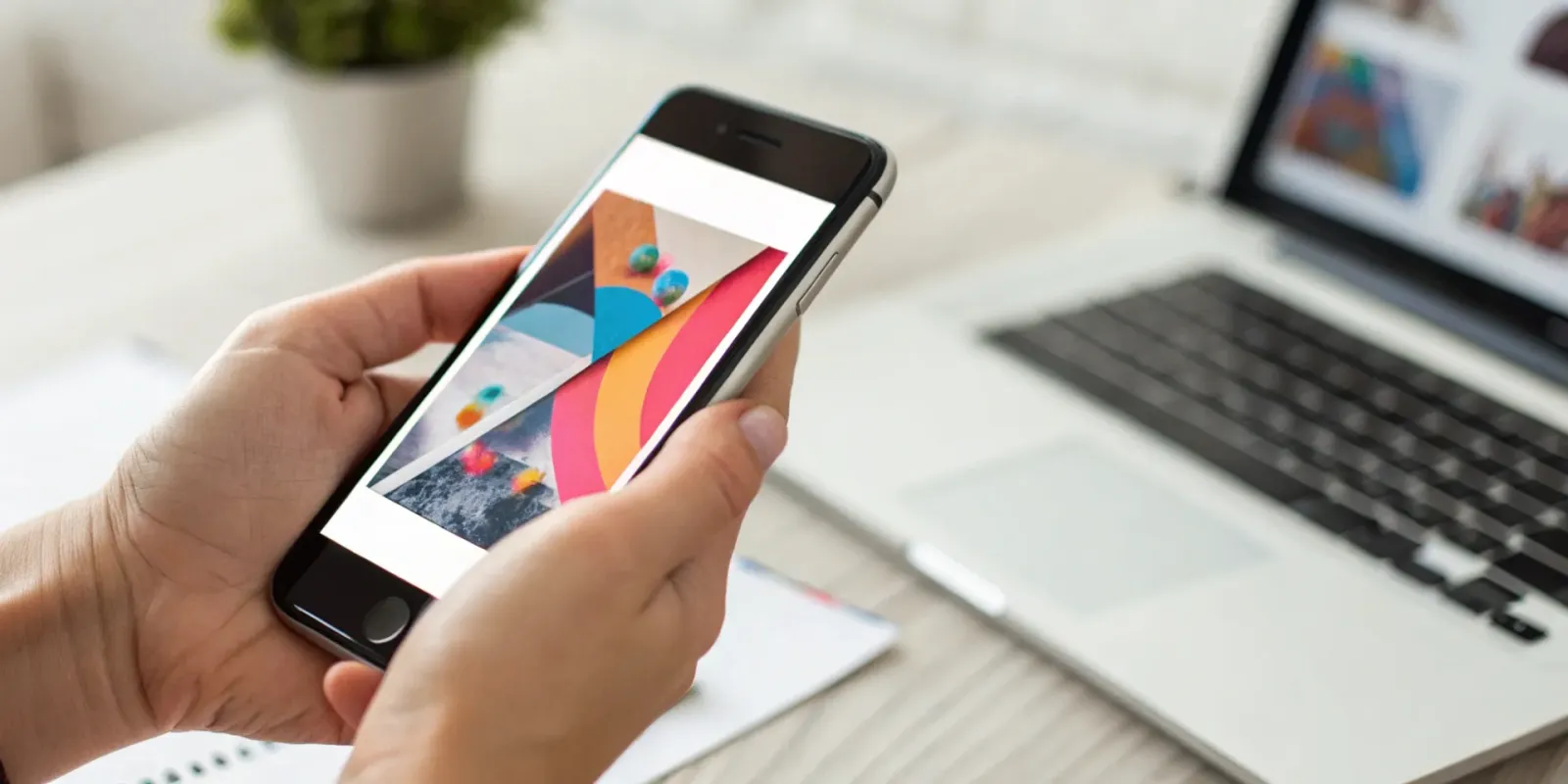
You've spent hours perfecting your flyer's design. The colors are just right, the font is perfect, and the message is clear. Then comes the final step: adding a clunky, black-and-white QR code that sticks out like a sore thumb. It disrupts your entire aesthetic, but you need the functionality. What if you didn't have to compromise? The search for the best scannable flyer creator is about finding a tool that respects your design while adding powerful interactivity. We'll explore options that let you seamlessly integrate a call to action, from simple QR code generators to innovative platforms where the entire image becomes the link.
Key Takeaways
- Focus on the Action, Not Just the Flyer: The most effective scannable flyer guides your audience to a specific digital destination. Decide if you want them to shop a product, watch a video, or visit your site to ensure you choose a tool with the right features.
- Protect Your Design with Integrated Tech: A standard QR code can disrupt your visual aesthetic. Consider a tool that makes the entire image scannable for a cleaner, more professional look that invites curiosity and interaction.
- Invest Based on Your Creative Needs: While free tools are great for one-off projects, a subscription is more cost-effective for regular marketing. It gives you unlimited creative freedom for less than the price of hiring a designer for a single flyer.
What Should You Look For in a Scannable Flyer Creator?
Choosing the right tool to create your flyers can feel like a big decision, but it doesn't have to be complicated. The best scannable flyer creator is the one that fits your specific goals, whether you're promoting a local event, announcing a sale, or sharing your creative work. The goal isn't just to make something that looks good—it's to create something that people can interact with instantly.
Modern flyers are more than just paper and ink; they are gateways to digital experiences. They connect your physical marketing efforts with your online presence, turning a passing glance into genuine engagement. As you explore your options, think about what you want your audience to do after they see your flyer. Do you want them to visit your website, watch a video, or shop a new collection? The right tool will make building that bridge simple and intuitive. Let's walk through the key things to consider so you can find the perfect fit for your ideas.
Key Features You'll Actually Use
When you're looking at different flyer creators, it's easy to get distracted by a long list of features. Focus on the ones that will actually make your life easier. A great tool should offer a wide variety of professionally designed templates to get you started, so you're never staring at a blank canvas. Look for customization options that let you change colors, fonts, and layouts to match your brand. The best flyer creation applications are designed to streamline the creative process, giving you a simplified experience that saves both time and energy. Ultimately, you want a tool that helps you create something beautiful and effective without a steep learning curve.
Why Your Flyers Need to Be Scannable
A traditional flyer can only share a limited amount of information. A scannable flyer, on the other hand, opens up a world of possibilities. By making your flyer interactive, you create a direct link between your physical material and your digital content. As marketing experts point out, this integration helps bridge the gap between offline and online marketing. Instead of just hoping someone remembers your website address, you can guide them there with a simple scan. This could lead them to a product page, a sign-up form, or a special video message. The most innovative tools even let you make the entire image scannable, turning your design itself into a direct call to action.
Find a Tool That's Easy to Use
You don't need to be a professional graphic designer to create a stunning flyer. The right platform should feel intuitive from the moment you start. Look for a user-friendly interface with drag-and-drop functionality, which allows you to easily add and arrange text, images, and other elements. Many apps are built to help you create professional flyers quickly, even if you've never designed anything before. A good tool empowers your creativity, rather than hiding it behind complicated menus and technical jargon. The design process should feel inspiring and efficient, letting you bring your vision to life in minutes, not hours.
Understand the Pricing
Before you commit to a tool, it's important to understand the costs involved. Hiring a freelance designer for a single flyer can cost anywhere from $50 to $200, while most flyer maker subscriptions are much more affordable. Many platforms offer a free plan, which is a great way to test out the features and see if it's a good fit. Paid plans typically offer more advanced features, like premium templates, more storage, and the ability to remove watermarks. Think about how often you'll be creating flyers. If it's a one-time project, a free tool might be enough. If you plan to create marketing materials regularly, a monthly subscription can be a smart investment for your business.
The Best Scannable Flyer Creators to Try
You're ready to create a flyer that does more than just sit there. You want it to connect, engage, and drive action. The right tool can make all the difference, turning a simple piece of paper into an interactive experience. We've looked at some of the best options out there, from tools that transform your entire design into a scannable link to platforms that help you add a simple QR code to a classic template. Each one has its own strengths, so let's find the one that fits what you're trying to build. Whether you prioritize seamless design, ease of use, or powerful marketing features, there's a creator here for you.
IRCODE - Turn Any Image Into a Scannable Experience
IRCODE is a game-changer because it gets rid of the need for a clunky QR code box. With this tool, the image is the code. You can design a beautiful, clean flyer, and the entire visual becomes a scannable portal to your website, a product page, a video, or an exclusive offer. This is the perfect solution for brands, artists, and creators who care deeply about their visual identity and don't want to compromise their design for functionality. It creates the most seamless and integrated experience for your audience—they just scan the art itself. You can create an IRCODE in seconds and turn any visual into an ownable, interactive experience.
Canva - A Popular Design Tool with QR Codes
If you're looking for an all-in-one tool that's incredibly easy to use, Canva is a fantastic starting point. It's famous for its user-friendly, drag-and-drop interface that makes anyone feel like a professional designer. You can choose from thousands of flyer templates, customize them with your own text and images, and then use the built-in QR code generator to add a scannable element. It's a straightforward process that's perfect for beginners, small businesses, or anyone who needs to create an effective scannable flyer quickly without any design background. Canva makes the entire process simple, from initial idea to finished product.
Adobe Express - Professional-Grade Design Tools
For those who want a more polished look without the complexity of professional design software, Adobe Express is a great choice. Coming from the trusted Adobe family, it offers high-quality templates and design assets that give your flyers a professional edge. The interface is intuitive, and if you've ever used other Adobe products, you'll feel right at home. Like other platforms, it allows you to easily add a QR code to your design, linking your physical flyer to your digital content. It's a solid middle-ground for creators and businesses who want premium results and a bit more creative control.
Visme - Great for Data and Interactive Elements
Visme shines when your flyer needs to do more than just link to a website. While you can certainly create standard flyers, its real power lies in its ability to connect your audience with rich, interactive content and data visualizations. Imagine a flyer for a business conference where a scan leads to an interactive agenda, or a real estate flyer that opens a virtual tour complete with data overlays. Visme is built for projects that need to communicate complex information in an engaging way. It's the ideal tool when you want the post-scan experience to be as dynamic and informative as the flyer itself.
PosterMyWall - A Library of Marketing Templates
PosterMyWall is built for speed and marketing efficiency, offering a massive library of templates for almost any event or promotion you can think of—from concert announcements to restaurant specials. The platform is designed to be an all-in-one solution for busy small business owners and event promoters. You can quickly find a flyer design, customize it, add a QR code, and then use the platform's tools to share it on social media or send it to a printer. It streamlines the entire marketing workflow, making it a practical choice when you need to get the word out quickly and effectively across multiple channels.
A Quick Look at the Pros and Cons
IRCODE: What We Like and What to Consider
What we love most about IRCODE is its core concept: the image is the code. This completely removes the need for a separate, often clunky, QR code that can disrupt your design. It offers a clean, professional look and a seamless experience for your audience. The best flyer creation tools should simplify the creative process, and IRCODE does this by integrating the scannable technology directly into your visual.
The main thing to consider is that since this technology is so unique, your audience might not immediately realize the entire image is interactive. You may want to include a small, simple call-to-action like "Scan this image to shop" to guide them. This small step ensures everyone knows how to engage with your beautiful, scannable flyer.
The Trade-offs of Using a Traditional Design Platform
Traditional design platforms are popular for a reason. They're familiar, packed with templates, and versatile enough for both digital and print projects. However, when it comes to scannable flyers, you're typically limited to adding a standard QR code. This can feel like an afterthought and sometimes compromises your design's aesthetic.
While these platforms are great for creating static visuals, they don't specialize in interactive experiences. You have to weigh the benefits of different digital and print formats; print offers a tangible impact, but digital excels in interactivity. A traditional platform might make you choose between a clean design and an interactive one, which is a trade-off you don't have to make with a specialized tool.
The Benefits of Using a Specialized Tool
Opting for a specialized tool like a dedicated scannable flyer creator comes with some major perks. These platforms are built with one primary goal in mind: to make your visuals interactive. This focus means the entire workflow is designed to be intuitive, from uploading your image to adding links and tracking engagement. You get a more powerful and integrated experience than you would with a general-purpose design tool.
Plus, using a specialized tool can be a smart financial move. Instead of hiring a developer or designer to create custom interactive assets, you can use a subscription-based service to get the same professional results. This makes powerful flyer marketing accessible to everyone, not just businesses with large budgets.
Comparing the User Experience
Think about the process of creating your flyer. With a traditional tool, adding a QR code is one of the final steps. With a specialized tool, interactivity is woven into the process from the very beginning. This fundamental difference shapes the entire user experience for both you and your audience. You can more easily tailor your message and design to be inherently interactive.
For your audience, the difference is clear. A flyer where the entire image is scannable feels more modern and engaging than one with a simple QR code in the corner. It invites curiosity and encourages people to scan. A better user experience leads to higher engagement, which is the ultimate goal of any scannable flyer.
How Much Do These Tools Cost?
Let's talk money. The cost of creating a scannable flyer can range from completely free to hundreds of dollars, depending on the route you take. You could hire a freelance designer, use a free online tool, or subscribe to a platform that gives you everything you need. The right choice really comes down to your budget, how often you'll be creating flyers, and what features are non-negotiable for you. Understanding the different pricing models is the first step to finding a tool that fits your wallet and your goals without any surprise charges down the line. We'll break down the common pricing structures so you can figure out what makes the most sense for your projects.
Free vs. Paid: What Do You Get?
Most flyer creators offer a free plan, which is great for testing the waters or for a one-off project. Typically, a free tier gives you access to basic templates and design elements. The trade-off? You might have to deal with watermarks on your final design, fewer customization options, and lower-resolution downloads. Paid plans, on the other hand, are where these tools really shine. For a monthly or annual fee, you get premium templates, access to extensive stock photo libraries, brand kit features to keep your look consistent, and high-quality export options. Many platforms offer flexible pricing models with free tiers for getting started and affordable premium plans for when you need more power.
Subscriptions vs. One-Time Fees
When it comes to paying for design, you're usually looking at two options: a recurring subscription or a one-time fee. A subscription model, common with platforms like IRCODE and Canva, typically costs between $10 and $50 a month. This is a fantastic option if you create marketing materials regularly, as it gives you ongoing access to a full suite of tools for a predictable cost. The alternative is paying a one-time fee, which is standard when you hire a freelance designer. A single, professionally designed flyer can cost anywhere from $50 to over $200. While great for a major campaign, this can get expensive quickly if you need new designs often.
Which Plan Makes Sense for You?
So, how do you choose? If you're a small business owner who needs one great flyer for a grand opening, hiring a designer for a single project might be perfect. But if you're a content creator or marketer who's constantly pushing out new promotions, events, and updates, a subscription is almost always the more economical choice. Think about it this way: a designer's flyer design rate can be $75 to $125 per hour. For the cost of just one or two hours of their time, you could get an entire year's subscription to a powerful design tool, allowing you to create unlimited flyers whenever inspiration strikes.
Watch Out for Hidden Costs
Before you commit to a tool, make sure you understand the full cost. Some platforms advertise a low subscription price but then charge extra for premium templates, stock images, or even specific fonts. These little add-ons can quickly inflate your bill. The best tools are transparent about what's included in each plan. Look for a platform that clearly outlines its features and doesn't surprise you with a paywall right when you're ready to download your finished flyer. This is where comparing subscription models against traditional design methods can reveal the true value and help you avoid unexpected expenses.
How to Choose the Right Tool for You
Alright, you've seen the options, but how do you pick the one that's right for you? The best scannable flyer creator isn't about having the most features—it's about having the right ones for your specific project. Let's walk through a few key questions to ask yourself so you can make a choice you feel great about.
Match the Features to Your Goals
First things first: what are you trying to accomplish? Your goal will determine which features are essential and which are just nice-to-haves. Are you creating a flyer for an event to drive ticket sales? Or maybe you're a retailer making an in-store sign to share product details. If your main goal is interactivity and turning a static image into an experience, a tool like IRCODE is built for that. If you just need a basic design for a local bake sale, a simpler tool might do the trick.
Think about whether your campaign is primarily digital or print. As some experts note, digital flyers are fantastic for their reach and interactivity, while print has a tangible, local impact. The right tool will help you tailor your design and message to connect with your audience, whether they're scrolling on their phone or walking past your storefront.
Consider Your Budget and How Often You'll Use It
Let's talk about money. Your budget plays a big role in this decision. Many flyer creators offer free tiers that are perfect for trying out the platform or for a one-off project. But if you plan on creating flyers regularly, a subscription might be more cost-effective. For context, hiring a freelance designer for a single flyer can cost anywhere from $50 to $200, while most design tool subscriptions are much lower per month.
Think about frequency. If you're a small business owner who will be creating new marketing materials every week, investing in a paid plan with more templates and features makes sense. If you're a student creating a flyer for a campus event, a free tool will likely have everything you need. Be honest about your usage to avoid paying for features you'll never touch.
Check for Tech Specs and Integrations
You don't need to be a tech genius to use these tools, but you do want one that feels intuitive and works with your current setup. Look for a platform with a clean, easy-to-use interface. The whole point of a flyer creator is to save you time, so if you're spending hours just trying to figure out how to add text, it's not the right fit. Many tools offer customizable templates that give you a head start.
Also, consider how the tool will fit into your workflow. Do you need to export your designs in specific file formats? Do you want to be able to collaborate with a team? For scannable flyers, the most important tech spec is the scannable element itself. How easy is it to create, customize, and track? A platform like IRCODE, where the image is the code, offers a seamless experience from creation to scan.
Time to Make Your Choice
You've thought about your goals, your budget, and your technical needs. Now it's time to pull it all together. The best choice is the one that strikes a balance between these three areas. Don't get distracted by a long list of features you'll never use. Instead, focus on the value the tool provides for its price. Does it solve your problem efficiently and effectively?
Most of these platforms offer free trials or free-forever plans. The best way to make a final decision is to simply try them out. Spend an hour creating a test flyer in your top two or three contenders. See which one feels the most natural and produces a result you're proud of. When a tool feels like a fair value and helps you create with confidence, you're more likely to stick with it and get the results you're looking for.
Frequently Asked Questions
What's the real difference between making my whole flyer scannable with IRCODE versus just adding a QR code?
Think of it as the difference between an add-on and a built-in feature. A QR code is a separate box you have to place on your design, which can sometimes feel clunky and disrupt your visual flow. With a tool like IRCODE, your entire image becomes the interactive element. This creates a much cleaner, more professional look and a more engaging experience for your audience, as they get to interact directly with your creative work.
Do I need to be a designer to create a professional-looking flyer with these tools?
Absolutely not. These platforms are specifically built for people who aren't professional designers. They provide thousands of templates that give you a strong starting point, and their drag-and-drop interfaces make it simple to change colors, fonts, and images. The goal of these tools is to handle the technical side of design so you can focus on bringing your idea to life.
How do I encourage people to actually scan my flyer?
The best way to get someone to scan your flyer is to give them a clear and compelling reason to do so. A simple call-to-action like "Scan this image to see the menu" or "Scan for an exclusive discount" works wonders. You want to spark their curiosity and let them know exactly what to expect. Making the benefit obvious is the key to turning a passing glance into an interaction.
Is it better to pay for a subscription or just hire a designer for a one-time project?
This really comes down to how often you'll be creating new materials. If you need one perfect flyer for a major event, hiring a designer can be a great investment. However, if you're a business or creator who constantly promotes new things, a subscription is far more cost-effective. It gives you the freedom to create unlimited designs whenever you need them without paying a high price for each one.
Can I use my own photos and logos with these flyer creators?
Yes, and you absolutely should. All the tools mentioned are designed for customization. You can easily upload your own brand assets, including logos, product photos, and specific brand colors. This ensures that your flyer looks unique and stays consistent with your brand identity, rather than looking like a generic template.